PrivacyKey: Simple passcode lock for apps, galleries, and contacts
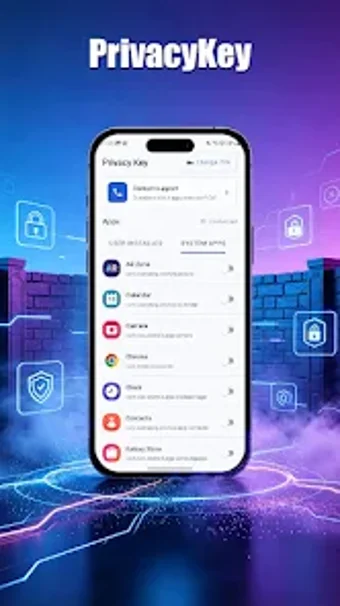
Protect your private apps and media with PrivacyKey, by ZIE PIE, a focused app-lock utility for Android. It locks selected applications, photo and video galleries, and contact lists behind a passcode so others cannot access private chats or images. Features include selective app locking, gallery and contact protection, passcode authentication, and a lightweight design that avoids unnecessary background processes. Designed for Android users who lend devices to friends or family and need a simple privacy guard.
What the app secures and how it does it
The app targets local privacy by applying a passcode gate to specific areas of a device. Core functions include selective app locking, gallery protection, and contact security. Supported targets are applications, photo and video galleries, and the contact list. The app requires Android 10.0 and up, and exposes these protections through a single authentication method: passcode-based entry for all locked content.
How it interacts with device resources
The developer designed the tool to be lightweight and to avoid unnecessary background processes, so it does not add persistent services that continually run. This approach helps keep battery and memory impact minimal during normal use. Because it focuses only on locking selected items rather than offering system-wide monitoring, it limits ongoing system activity to the app itself and its locked-entry checks.
Safety and maintenance considerations for everyday use
The app uses passcode authentication as its protection mechanism, which provides straightforward access control for locked content. ZIE PIE markets the product with a privacy-first focus for users who lend phones, and the app received a recent update in September 2026, indicating ongoing maintenance. Those facts suggest active developer attention and a design intent to keep the locking functions current.
Who can set it up and what to expect from the interface
The tool targets non-technical Android users who want a no-frills privacy layer. Setup relies on simple passcode configuration rather than advanced policies, so casual users can enable locks without technical steps. Expect a minimal workflow oriented around choosing apps and media to protect. Note that the installation is free and the app may display advertisements during use, which can affect the experience for some users.
A focused privacy tool that fits casual device sharing, with a single limitation
PrivacyKey is a practical option for Android owners who need straightforward passcode protection for apps, galleries, and contacts and prefer a small, dedicated utility. Its lightweight design and recent updates support reliable day-to-day use. The main trade-off is its narrow scope: protection relies solely on passcode locking and does not include broader security features beyond app-level privacy controls.